Check-ins
Check-ins keep initiatives transparent, current, and accountable.
What Are Check-ins?
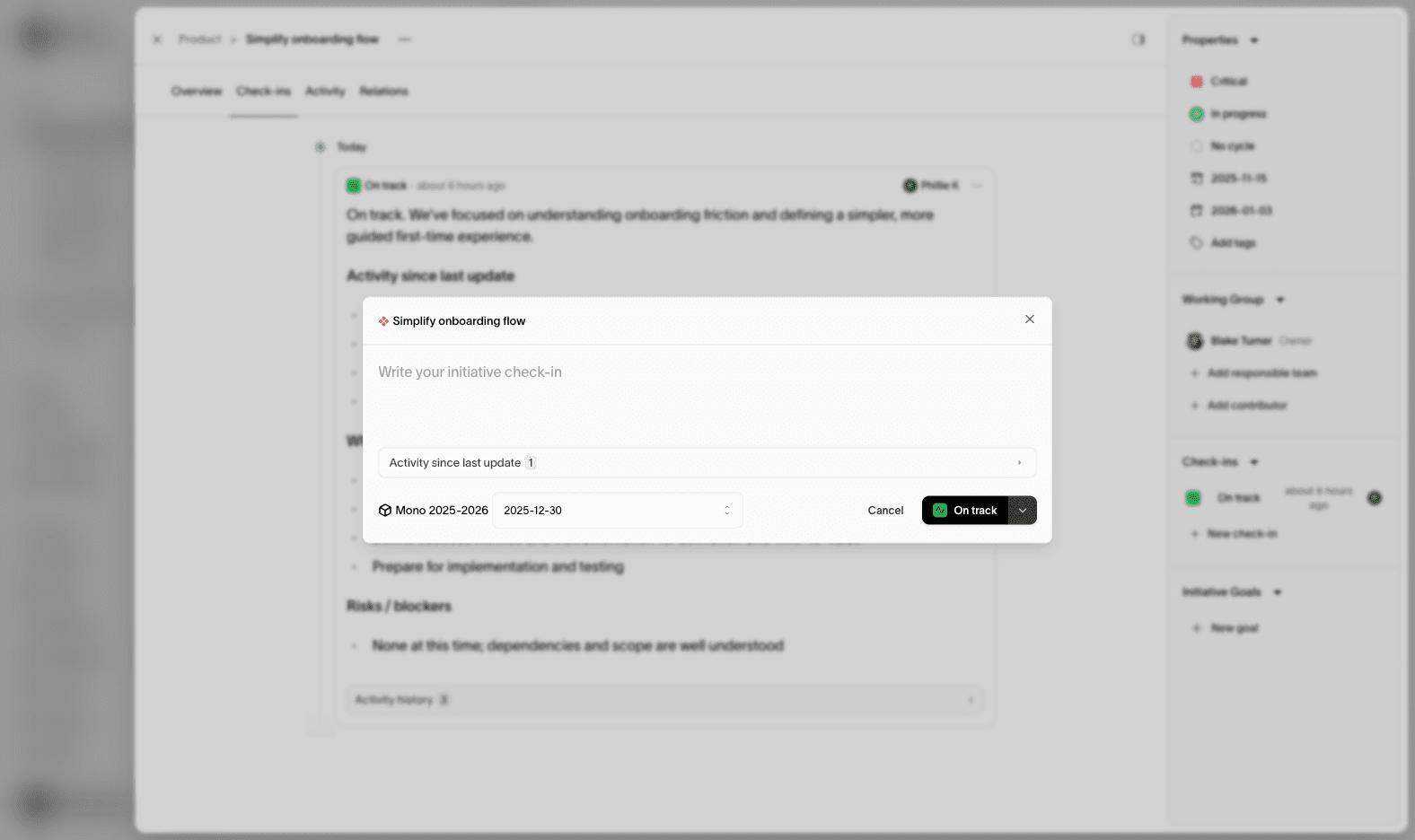
In Monoscope, check-ins are progress updates attached to an initiative. A user can add a check-in to any initiative to inform everyone about the initiative’s progression.
Even when an initiative stays “In progress” for a long time, check-ins keep stakeholders informed about what is actually happening. Each check-in records what has happened, what is next, and the current health of the work.
Why Check-ins Matter
Strategy execution moves in weeks and months, not days. Check-ins make that movement visible by capturing real progress and context.
They help teams:
- Keep stakeholders aligned without constant meetings
- Surface risks before they become blockers
- Preserve decisions and learning over time
- Run reviews with real evidence, not memory
Check-ins turn long-running initiatives into a clear narrative of progress, not a black box.
What a Check-in Includes
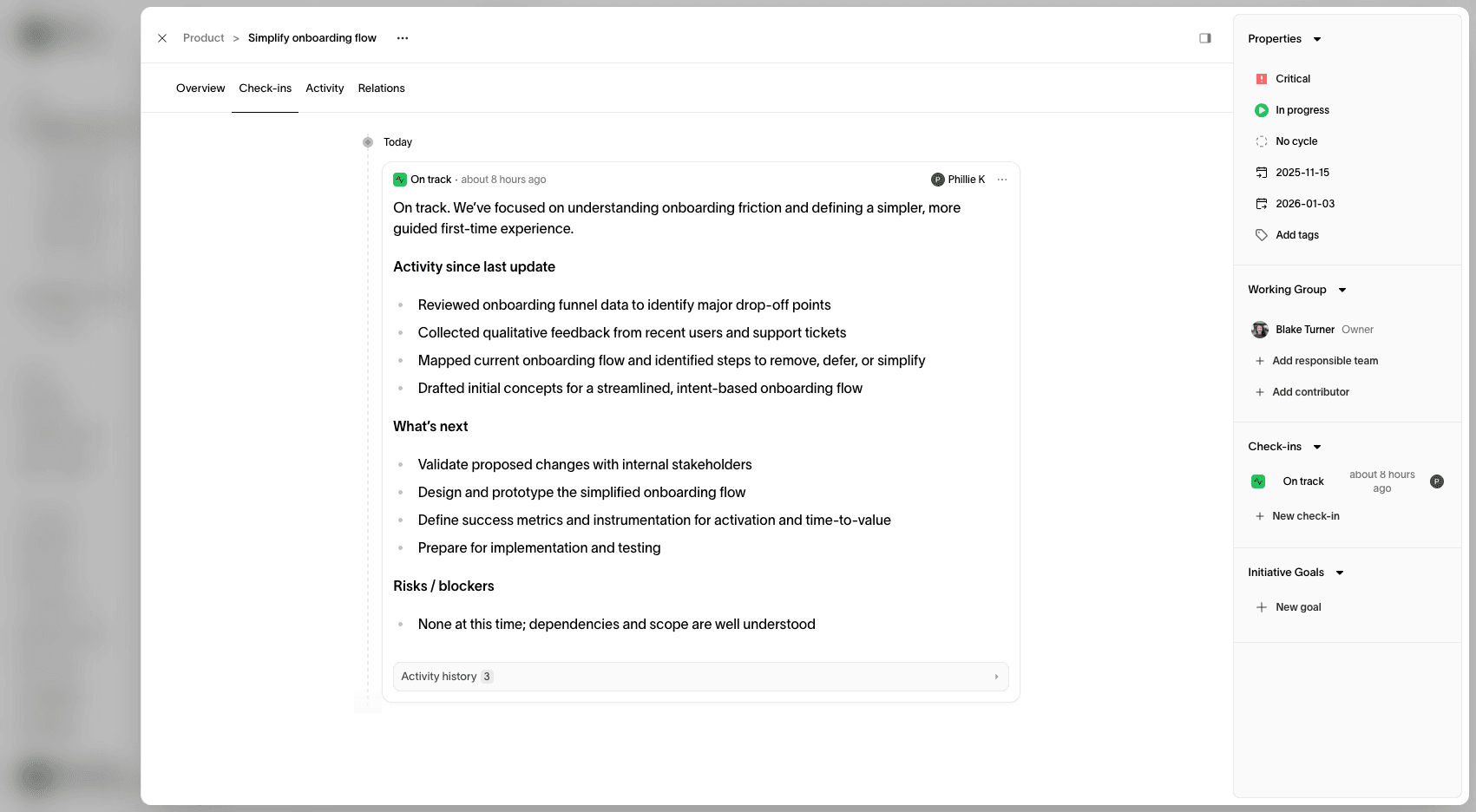
A strong check-in focuses on clarity and signal. You can include:
- Summary: a short, plain-language update
- Activity since last update: what moved forward
- What is next: the next steps and near-term focus
- Risks or blockers: anything slowing the work down
- Health status: on track, at risk, or off track
Health Status
Each check-in includes a simple health signal to help others scan the plan quickly:
- On track: progress is aligned with expectations
- At risk: progress is slipping or scope is uncertain
- Off track: major issues are blocking delivery
If an initiative has no check-ins yet, its health appears as No check-ins.
Check-ins vs Initiative Status
Initiative status describes the overall stage of work. Check-ins describe the current reality within that stage.
For example, an initiative can stay “In progress” while multiple check-ins explain how momentum is changing week to week.
History and Accountability
Every check-in becomes part of the initiative’s history. This creates a durable record that can be used in planning reviews, retrospectives, and stakeholder updates.
Best Practices
- Update on a cadence: weekly or biweekly keeps trust high
- Be specific: call out what changed, not just that you are busy
- Name risks early: it builds confidence and speeds up help
- Keep the story continuous: make each check-in build on the last