Get Started
Up and running in ~5 minutes
This quickstart gets you from a blank account to your first Monoscope Plan with metrics, canvases, initiatives, relationships, and a first analysis (Driver or Initiative Impact).
1 Sign up
Create your Monoscope account with Google, or Microsoft.
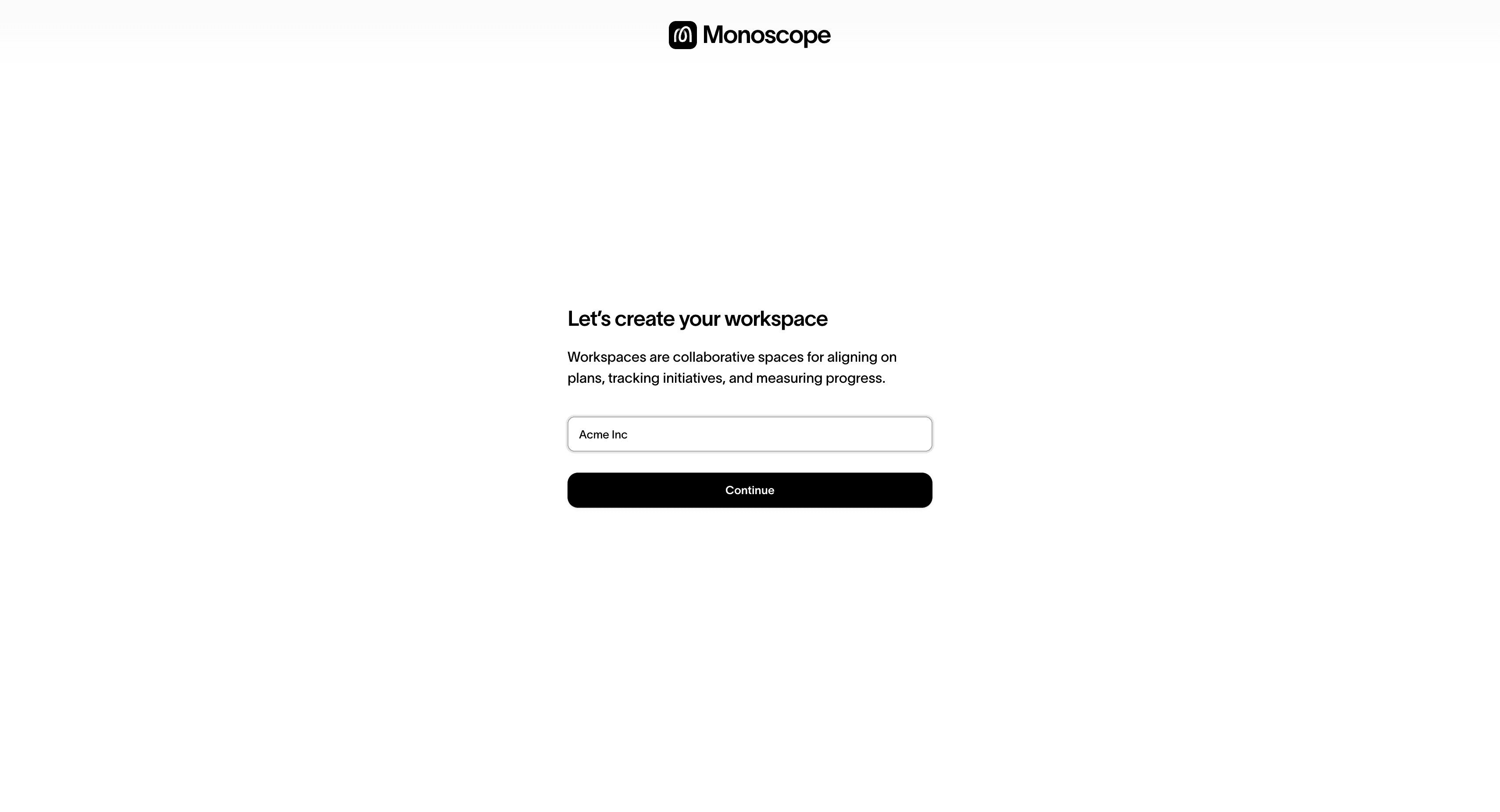
2 Create your Workspace
Your Workspace is the home for Monoscope Plans, Canvases, Metrics, Initiatives, and Reports.
3 Connect data (optional but recommended)
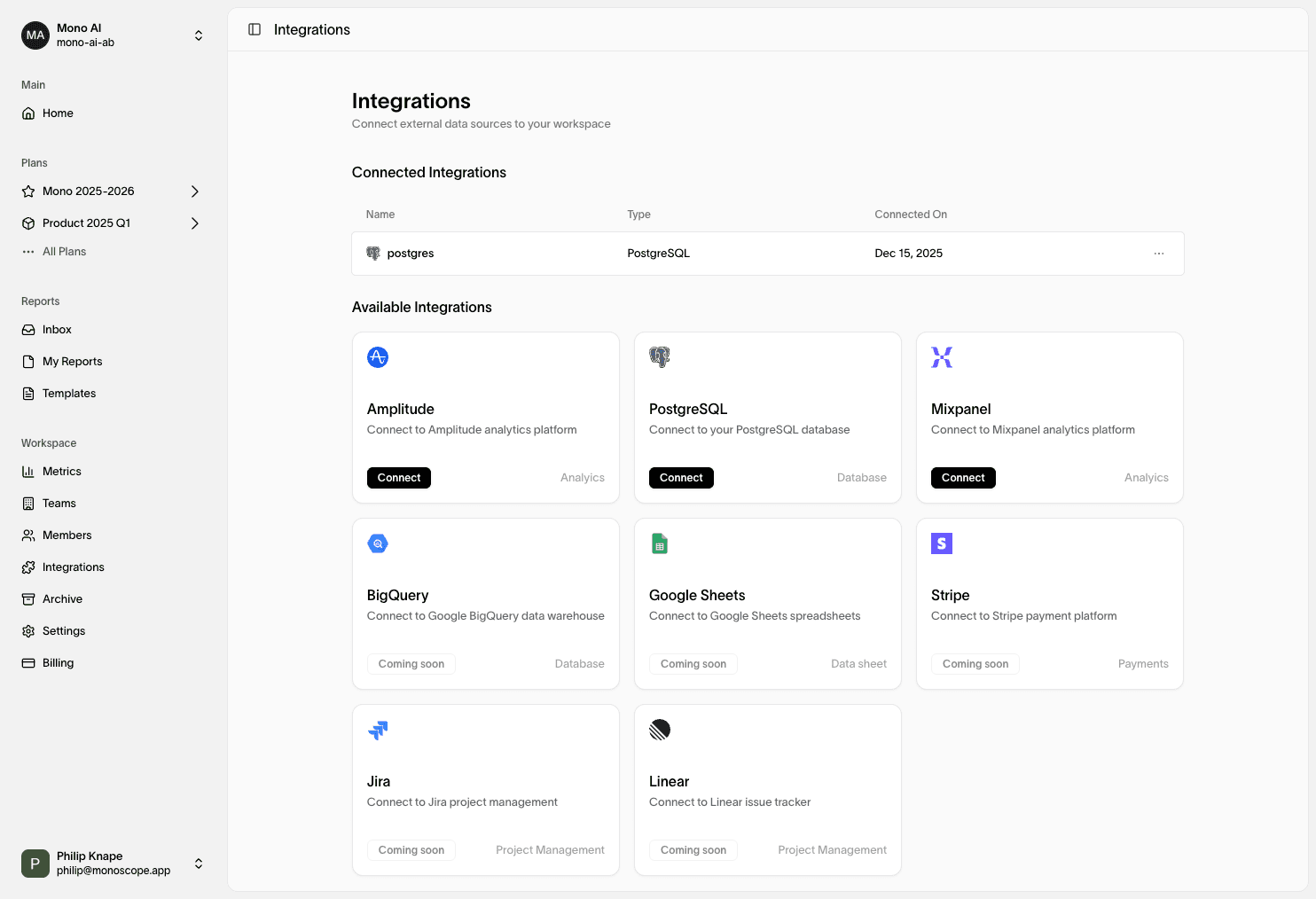
Hook up the systems that power your metrics (analytics, revenue, marketing spend).
- Pick an integration and authenticate
- Choose the metrics you want to import
- Confirm frequency & units (daily/weekly/monthly)
No production data yet? Use a sample metric or Manual to walk through the flow. You can swap in real sources later.
4 Build your Plan
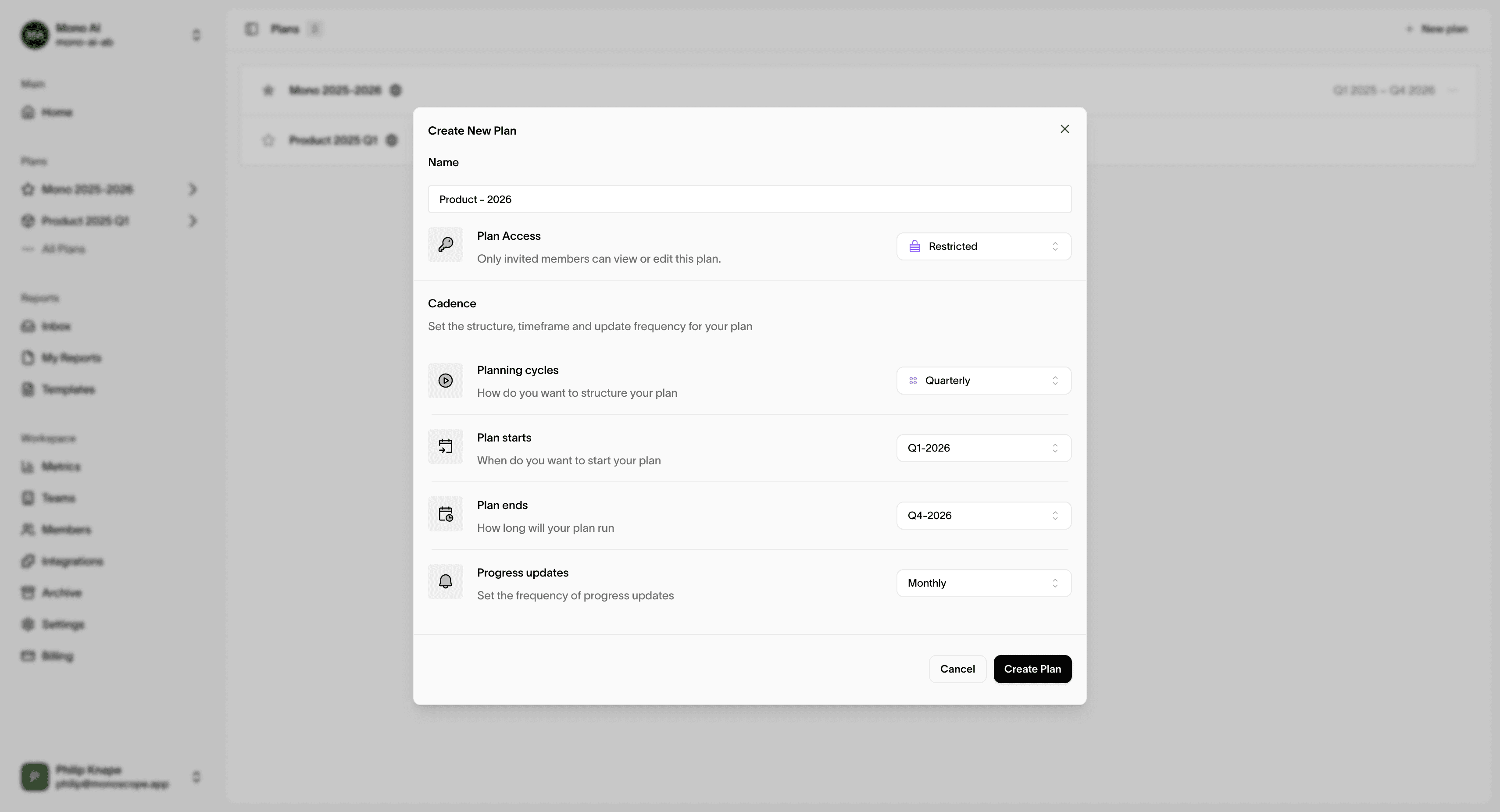
Create a new Monoscope Plan
- Set name, description, owner
- Add Cycle Cadences (weekly/monthly/quarterly) and Review Cadences (weekly/monthly)
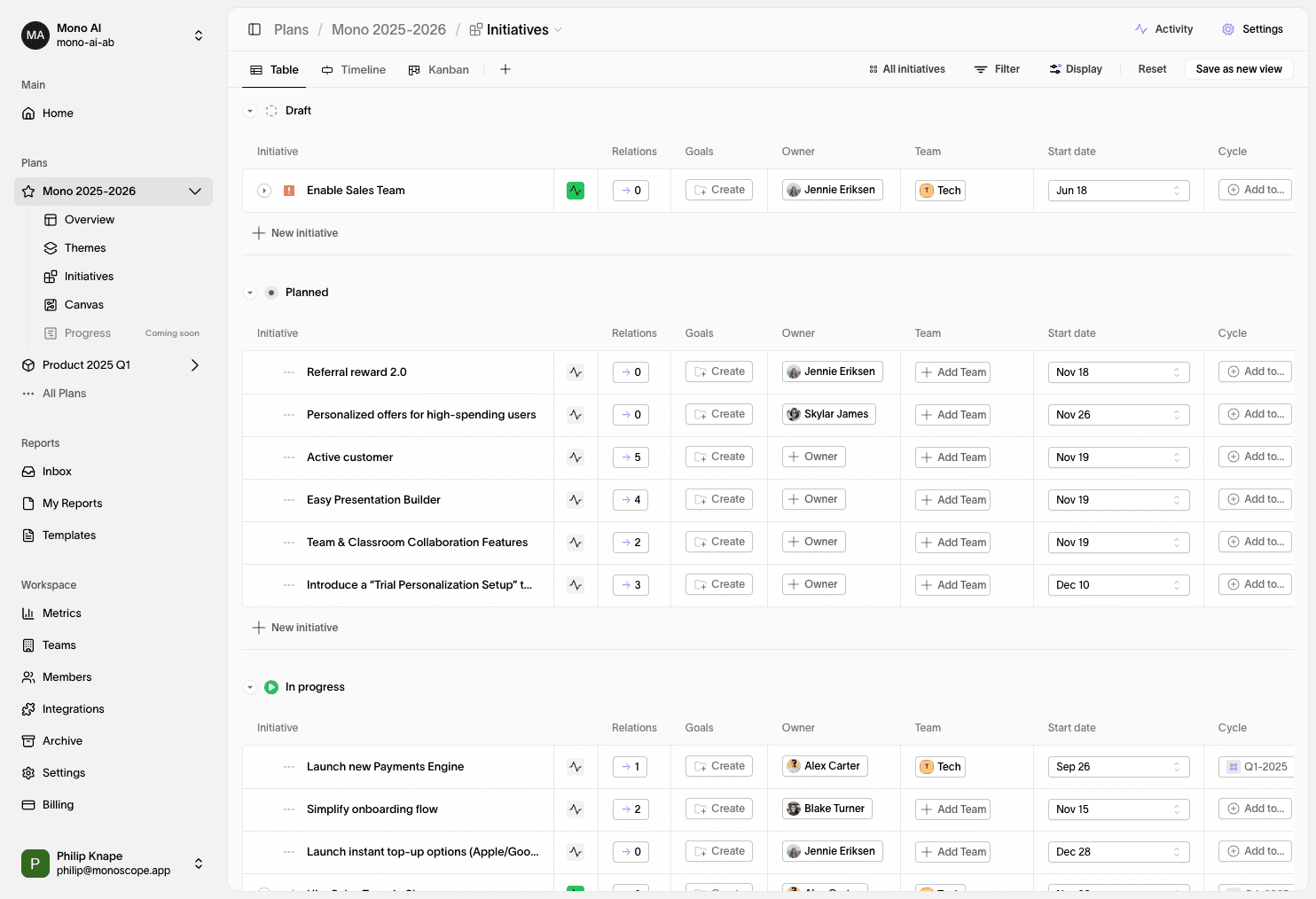
5 Add Initiatives
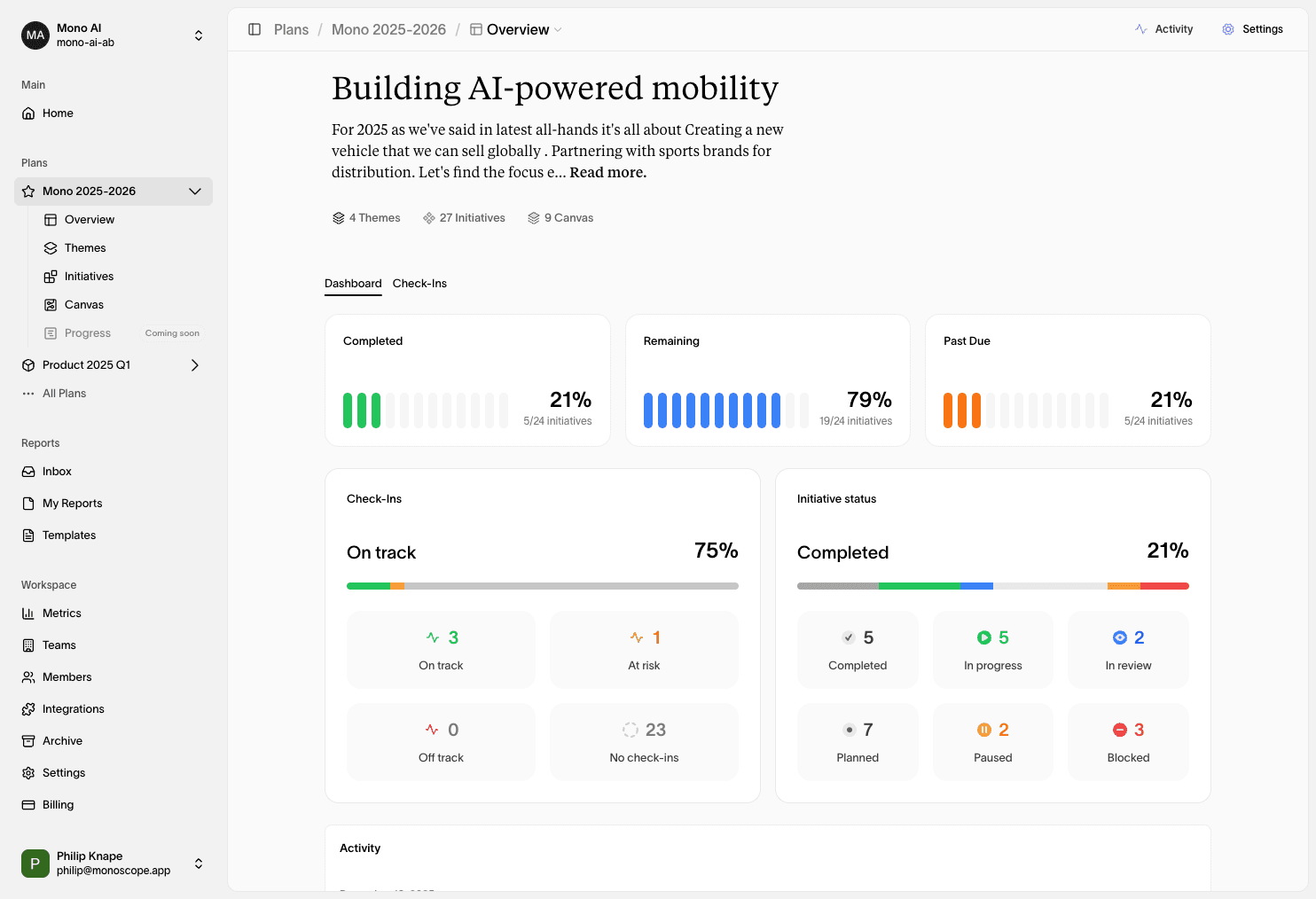
Create initiatives (strategic initiatives) you expect to move metrics.
- Add hypothesis, expected impact (absolute/%), confidence, reach, effort
- Link work items (Jira/Linear) inside the initiative (we don’t show tasks as separate items on the canvas)
6 Add Metrics
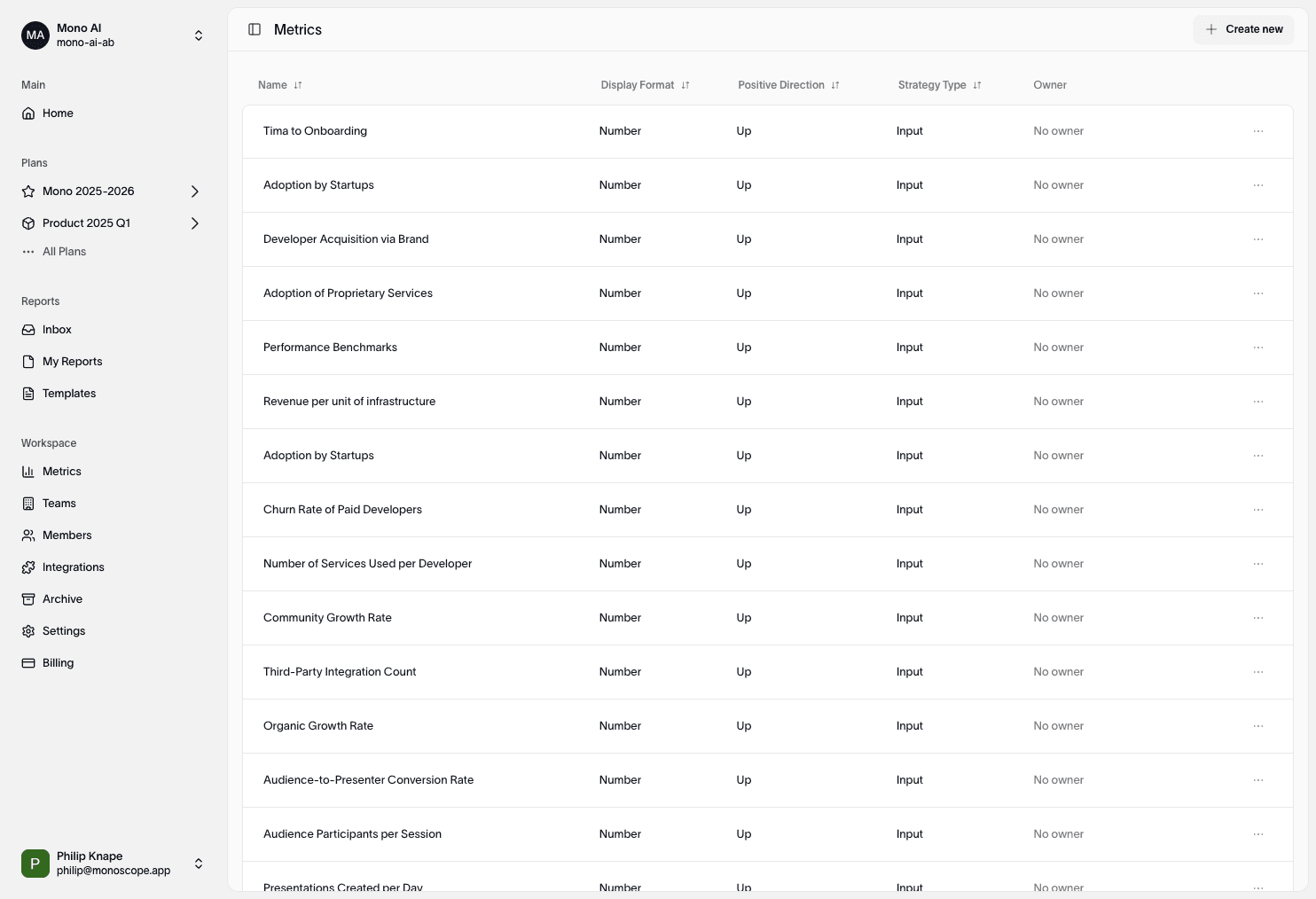
Bring in (or create) metrics that represent outcomes and drivers.
- Select from integrations or create manually
- Set owner, unit, direction (up is good / down is good)
- (Optional) Set targets for visibility
7 Start your first Monoscope Canvas
Create a new Monoscope Canvas (or pick a Template to begin faster).
8 Create relationships
On the Monoscope Canvas, connect what influences what:
- Initiative → Metric: the initiative contributes to the metric
- Metric → Metric: a driver influences an outcome
- Initiative → Initiative: one initiative enables/blocks another
Enrich relationships with type (drives/enables/blocks/contributes), confidence, reach, and lag. These details improve analysis quality.
9 Run your first analysis (Coming soon)
From the canvas, open Run Analysis and choose one based on your setup:
- Driver Analysis (Metric ↔ Metric): find which drivers most influence your KPI
- Initiative Impact Analysis (Initiative → Metric): estimate which initiatives have the highest leverage
- Growth Loop Analysis (closed loops): measure loop gain & ripple effects
- Marketing Mix Analysis (channel spend → outcome): optimise budget across channels
Choose scope
Select the target metric (for Driver/MMM) or relevant initiatives (for Initiative Impact).
Review results
Inspect influence/contribution, confidence ranges, and timing.
Save as Report
Save the run for history and sharing. Reports stay linked to this Monoscope Canvas.
9 Invite teammates
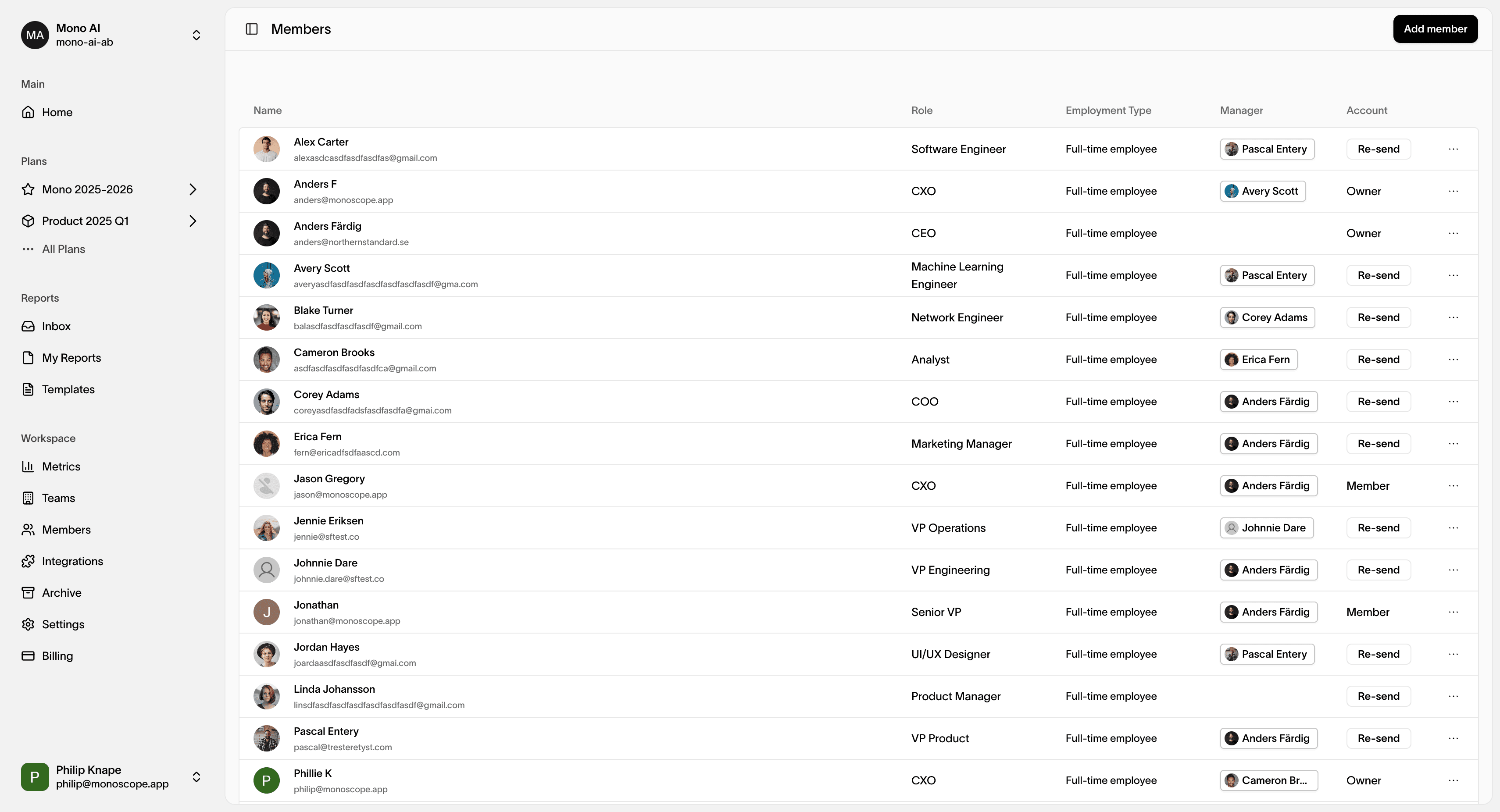
Bring product, growth, and leadership into the same context.
- Share the Monoscope Plan
- Assign owners on metrics/initiatives
- Align on expected outcomes and impact
Tips & good practices
- Start small: 3–5 metrics and 2–3 initiatives is plenty for a first pass
- Be explicit: add confidence, reach, and lag to relationships
- Link work inside initiatives: keep strategy and execution connected (without cluttering the Monoscope Canvas)
- Iterate often: compare expected vs. actual; update relationships as you learn
Next up: explore the Monoscope Canvas concept page, then dive into individual Strategic Analyses (Driver, Initiative Impact, Growth Loop, Marketing Mix) for deeper guidance.